New student orientation guide
Before you arrive on campus

You should complete the following:
1. Your housing application
2. Submit immunization records
3. Activate your student email account.
Housing contracts, immunizations, and required forms
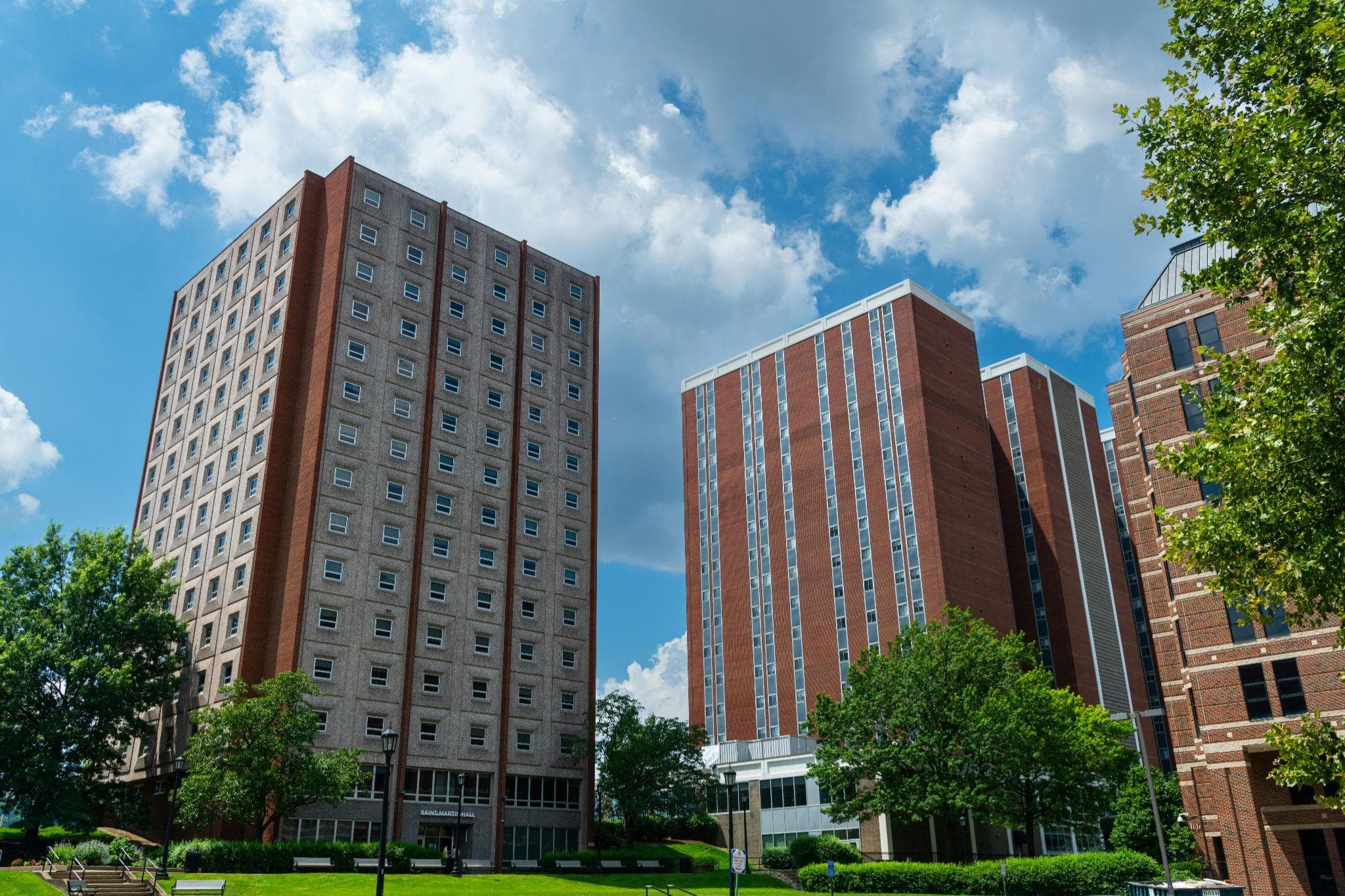
Review your housing agreement, upload vaccination documentation, and complete all enrollment forms before August 1.
We recommend that you download a residential agreement template from here:
Placement surveys and math readiness
Take the incoming student survey and complete the math placement assessment to ensure accurate course registration.
Orientation week: required sessions
Attend the welcome ceremony, academic advising workshops, campus safety briefing, and student success sessions.
Move-in day and family programs
Check your assigned move in time, explore family orientation activities, and learn about campus resources and support services.
| Event | Date | Location |
|---|---|---|
| Residence Hall Check In | August 20 | Maple Hall |
| Family Welcome Session | August 20 | Student Center |
| Campus Resource Fair | August 21 | Main Quad |
| Academic Advising | August 21 | Learning Commons |
Math you must know
Insert > Equation, click each set of symbols to see the functions/symbols, including fractions. This adds an equation natively in Google Docs
12 z + 0 = 8
Of course, the easier way to add an equation may be to write it out in latex and add a screenshot. Like this -